Tiny Desk AI Video with Friends: Asking, Casting, Sending
Published 1 November 2026
A tiny desk AI video with friends in it works differently from one built around a single face. One face is a novelty. Five is the kind of thing people forward to each other, and that has very little to do with the software. It comes down to whether you picked the right five photos and asked the right five people before you used them.
Ask them first, before anything else
Get each person's go-ahead to use their photo before you upload it. Not a hunch that they would probably find it funny. Ask them, in writing, and keep the reply. Plenty of people have strong feelings about handing their face to an AI tool, and discovering that after you have posted the video is the bad way to discover it.
Cover a few things in the message: whose video it is, that their face gets regenerated rather than copied so the result will look like them without being them, and where you plan to put it. The last one does most of the work, because a private group chat and a company account are not the same request and people answer them differently.
Children are out. Every portrait has to be one adult, one person per picture.
Collecting the photos
Ask each person for a photo instead of digging through old albums yourself. People know which pictures of themselves work.
- One person per photo, head and shoulders, facing the camera.
- Even light. A face half in shadow comes out muddy.
- No sunglasses, no masks, no heavy filters.
- In focus. A photo from a phone is fine. A screenshot of a video call usually is not.
- JPG, PNG or WebP, up to 10 MB each.
That group photo from the last offsite will not work, however good it is. Each seat takes its own picture of one person.
Who sits where
There are five seats: lead singer, keys, saxophone, and backing singers left and right. The lead is the only one you have to fill, and the lead gets the most screen time, so that choice carries the video.
- Lead singer: whoever the video is for. The birthday person, the colleague who is leaving, the friend who will not stop sending voice notes.
- Saxophone and keys: the two who will enjoy being handed an instrument.
- Backing singers, left and right: a pair who belong together. People notice when two friends turn up side by side.
- Short on photos? Leave seats empty. A fictional portrait the site keeps for that purpose fills them, and the price does not change either way.
Watch one first
The clip below is a real result rather than a mock-up. The five faces in it started as fictional portraits, which is why we are able to show them next to the video they produced. Sound is on, so check your volume.
 Lead singer
 Keys
Keys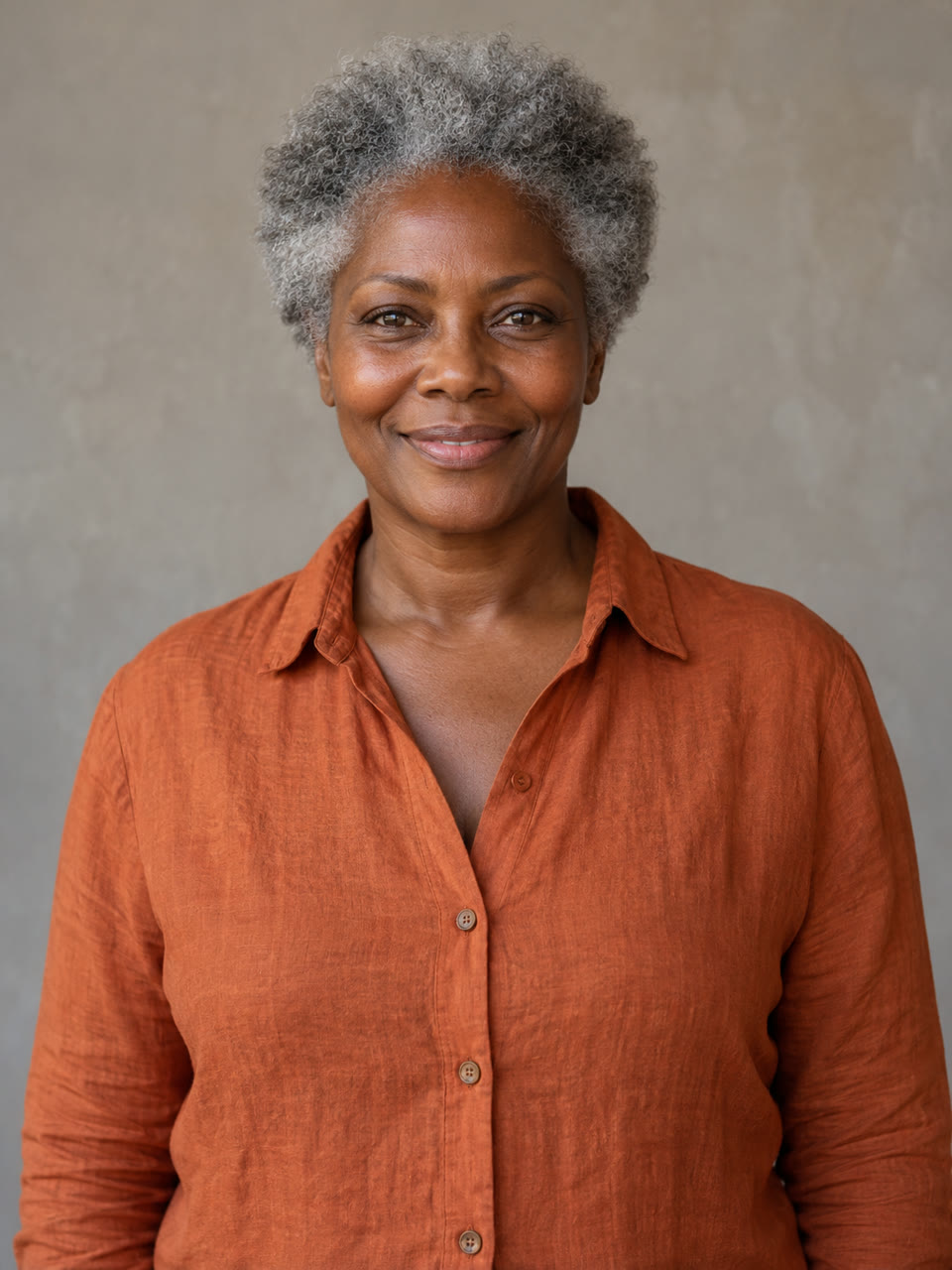 Saxophone
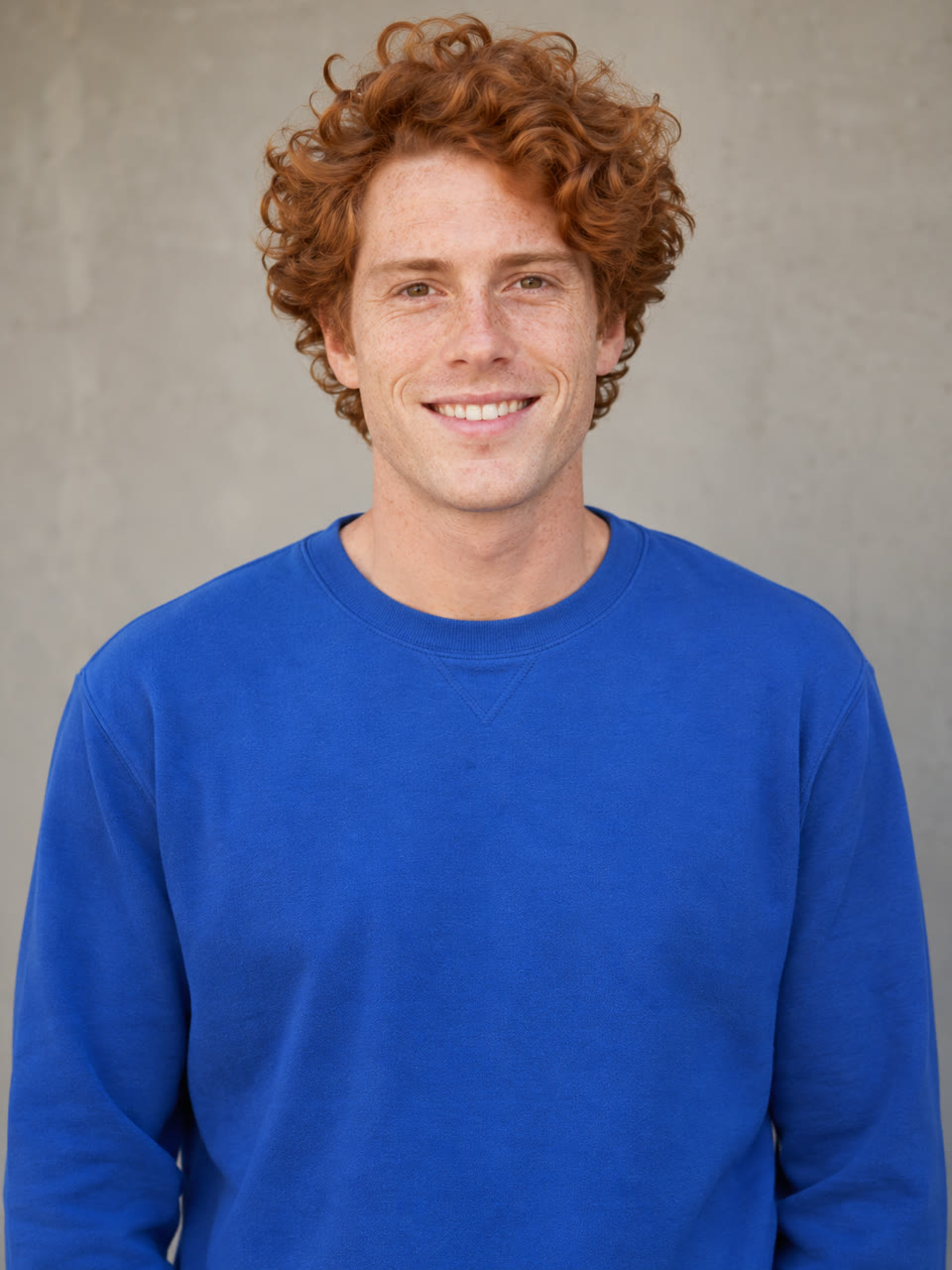 Backing, left
 Backing, right
Making it
Put each photo in its labelled seat, then check the labels again. The saxophone going to the wrong person is the easiest mistake to make and there is no editing it afterwards. Pick the smaller size if the video is headed for phones and HD if it will play on a screen in a room. The smaller size usually comes back in four to six minutes. HD takes a great deal longer, so start it before you need it rather than during the party.
You get two files. One has the music on it. The other is silent, for when you would rather add your own sound in an editing app.
Occasions where it lands
- A birthday message from a group chat, with the birthday person out front.
- A send-off for a colleague, played once at the end of a meeting.
- A team offsite or an end-of-quarter thing, where the whole room is in on it.
- A wedding or an anniversary, with the couple on the two backing seats and whoever is giving the speech on lead.
- A reunion, including the people who could not come.
Say this when you send it
Tell people what they are about to watch, so nobody spends the clip working out why they look slightly off. The faces resemble the photos rather than reproducing them. The camera moves through the same five shots in the same order every time, because the whole thing is an AI reworking of one fixed reference performance, and the music is part of that fixture, so you cannot choose the song. Nineteen seconds also goes by faster than people expect, which is an argument for sending it twice.
One practical thing before you post it anywhere public: the music and the faces are two separate permissions, and the site sorts out neither of them for you.
If you want to try it
The band builder is on the front page and the credit packs are on the pricing page. Watch the sample at full volume first. If the length and the fixed camera work are not what you had in mind, no photo you upload will change them.