One video
$14.99
$14.99 per video
10 credits, never expire
- About 18 seconds · 720p vertical MP4
- Lead, keys and sax photo roles included
- Failed generations return their credits
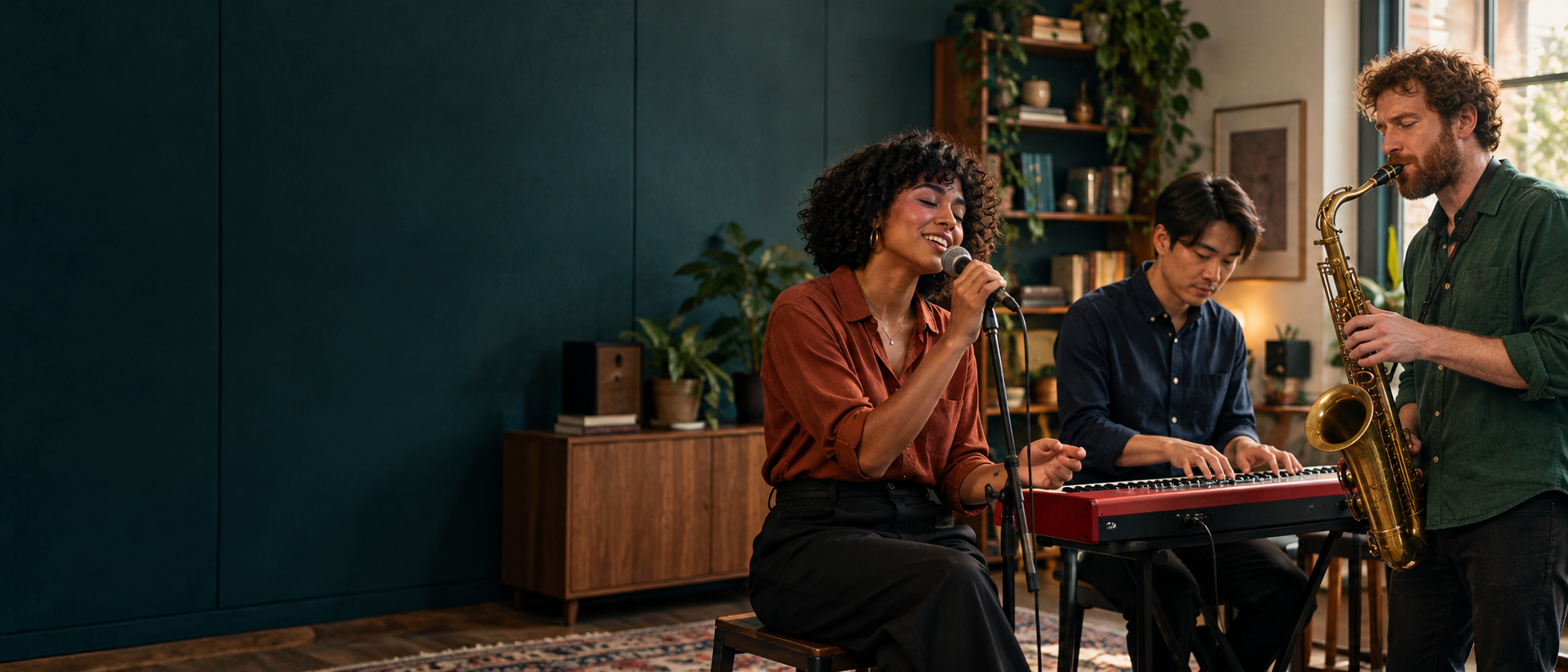
Turn one to three photos into your own desk concert. Choose who sings lead, who plays keys and who takes the sax solo.
About 18 seconds · 720p · silent example
AI-generated scene. Watch a real video result below.
Your friends. Your little concert.
Start with a clear portrait of your lead singer. The other two photos are up to you.
Start with your own portrait, or bring two friends into the band. This photo-to-video maker gives each person a separate role in a fixed four-shot concert: band, lead close-up, sax solo and band again. The scene and edit rhythm are already set, so there is no prompt to write or timeline to assemble.
Watch a real session ↗Start with a clear portrait of your lead singer. The other two photos are up to you.
About 18 seconds · 720p · silent example
This sample uses the three linked fictional portraits: the first for the lead singer, the second for keys and the third for sax. The crowded shelves, headphones, red keyboard and four camera shots follow a fixed reference concert. Watch the whole clip to check the likeness, expressions and timing before choosing your cast. AI details can still vary between shots.
See the input portraits
Choose my castOne-time video packs
One video uses 10 credits. Choose your lead singer, keys and sax for the same price. No subscription or automatic renewal.
Purchases are not open yet. These are the planned one-time packs.
$14.99
$14.99 per video
10 credits, never expire
$39.99
$13.33 per video
30 credits, never expire
$64.99
$13.00 per video
50 credits, never expire
Prices are in USD. Per-video amounts are rounded; applicable taxes are additional. One-time packs, no subscription. Refund policy
Music and likeness rights are separate. Read the Terms of service.
This is a photo-to-video workflow with one lead singer and two optional bandmates. Check the roles and output below before starting a session.
| Band role | Your photo | What appears in the video |
|---|---|---|
| Lead singer | Required portrait | Your chosen lead singer at the microphone. |
| Keys | Optional second portrait | Your keyboard player, or a fictional AI musician if left empty. |
| Saxophone | Optional third portrait | Your saxophonist, or a fictional AI musician if left empty. |
Use a clear photo for your lead singer. Add separate portraits for the keyboard player and saxophonist if you want friends in those roles. Keep one adult per picture, with the eyes and shoulders visible.
Match each photo to its labelled role, sign in and check that you have 10 credits. Confirm permission to use the photos, then start your video. Empty supporting roles become fictional AI musicians.
Return to your session to watch the finished performance with sound. Review the whole clip, then save the vertical MP4. You can continue editing it in your preferred video app before sharing it.
Tiny Desk AI describes AI-generated videos that put a new cast into an intimate office concert. A singer performs close to the band, with keys, sax, shelves and a desk instead of a large stage. People also call the format an AI Tiny Desk video or an AI desk concert. The appeal is seeing familiar faces in an unexpected performance, without filming a band or arranging a recording session.
This Tiny Desk AI generator uses uploaded portraits as appearance references for three distinct roles in a fixed concert scene. The edit moves from the band to the lead singer, to the sax solo and back to the band. Its soundtrack comes from a separate source audio file, rather than a clone of your voice. The people pictured did not actually sing or appear at that concert. The landscape image at the top is an AI-generated scene; the playable sample shows an actual edited result.
Use a sharp, front-facing portrait so the model can see the person clearly. Expressions, hands, clothing and facial details can still change. Watch the full result for consistent identity across shots, rather than judging only the opening frame.
The video is a fictional AI performance. It does not mean that anyone appeared at an NPR show, sang these words or endorsed this tool. Only use photos of yourself or adults who agreed to appear.
Download a copy of a finished video you want to keep. Result links are available for 30 days, and uploaded photos expire after two days. A saved MP4 can be reviewed or edited independently of this page.
Give one friend the mic, another the keyboard and another the sax. Using separate portraits makes the casting clear without needing everyone in the same place for a group photo. Ask each person before using their picture, and let the cast watch the result before you share it further.
Cast the guest of honour as the lead and add friends on the instruments. The fixed concert supplies the setting and performance timing. Add a birthday message or caption to the downloaded MP4 in your own editor; custom lyrics are not part of this tool. Use music you have permission to share.
If you found the Tiny Desk AI trend and want to try the same band-to-close-up edit, start with one portrait. Use the sample to check the scene, gestures and camera cuts. Keep expectations realistic about face consistency and review the complete video before posting.
Yes. One portrait of the lead singer is enough. The keyboard player and saxophonist will be fictional AI musicians unless you upload photos for those roles. Use three separate photos when you want to choose all three people. A group photo does not assign several identities to different seats.
Use a sharp head-and-shoulders portrait of one consenting adult, facing the camera in even light. Keep the eyes visible and avoid group pictures, heavy filters, masks and sunglasses. JPG, PNG and WebP are accepted, up to 10 MB per photo. Check that each portrait is in the intended role before starting.
The reference workflow follows the band, lead-singer close-up, sax solo and band again. It keeps the source scene and adds a fixed soundtrack separately instead of composing new music. The sample shows the kind of visual edit to expect; faces and motion can still vary. Music rights are not included. A silent copy is also available so you can add audio you are allowed to use.
A failed generation returns the credits reserved for that video. A completed result can have visual imperfections. If a file is broken, keep the session ID so support can look into it.
Yes. Sign in with the same account when you return and your recent sessions appear here. Your generation does not depend on keeping this tab open.
No. This is an independent AI tool. It is not affiliated with or endorsed by NPR, Tiny Desk Concerts, Charlie Wilson or The Gap Band.
The photos sent with a session are fixed for that generation. You can choose other photos for a new session. Each new session uses its own credits.
Photos are uploaded to make your video and sent to the video provider. Upload links expire after two days, while finished video links are available for 30 days. Your selected photo links may stay in this browser tab so signing in or refreshing does not erase your cast. The privacy policy explains access, storage and deletion.
Add a clear lead portrait to the generator on this page, then add optional photos for keys and sax. Sign in, confirm your permission to use the photos and start with 10 credits. The saved session shows the result when it is ready. Watch it with sound and download the MP4; no filming or manual video assembly is needed.
No. The scene, camera direction and role instructions are already set for this tool, so you only choose the photos. You do not need to copy a Tiny Desk AI prompt into another model. A CapCut project file is not included, but you can edit the downloaded MP4 in your preferred editor.
The download is a vertical 9:16 MP4. Review the faces and audio, get the participants’ permission and follow the platform’s AI-content rules. Source audio may be muted or restricted, and this tool does not grant music rights. You can use the silent copy with audio you are allowed to add in your chosen app. Do not present the generated performance as a real concert.
A generated video uses 10 credits. Credit purchases are not open yet. Choosing or uploading a photo does not spend generation credits; they are reserved when you start a video. If a generation fails, those credits return to your account. A credit return is separate from a refund of a payment.
The output is an MP4, about 18 seconds long, in vertical 9:16 at 720p. The reference workflow delivers a version with the fixed source soundtrack and a silent copy. You cannot choose a different duration or landscape-video format here. Soundtrack rights are separate from the generated visuals.
Generation can take several minutes or longer, depending on the provider and queue. You can leave and return to the same saved session. A slow task is not necessarily a failed one; check its status before starting another video.